
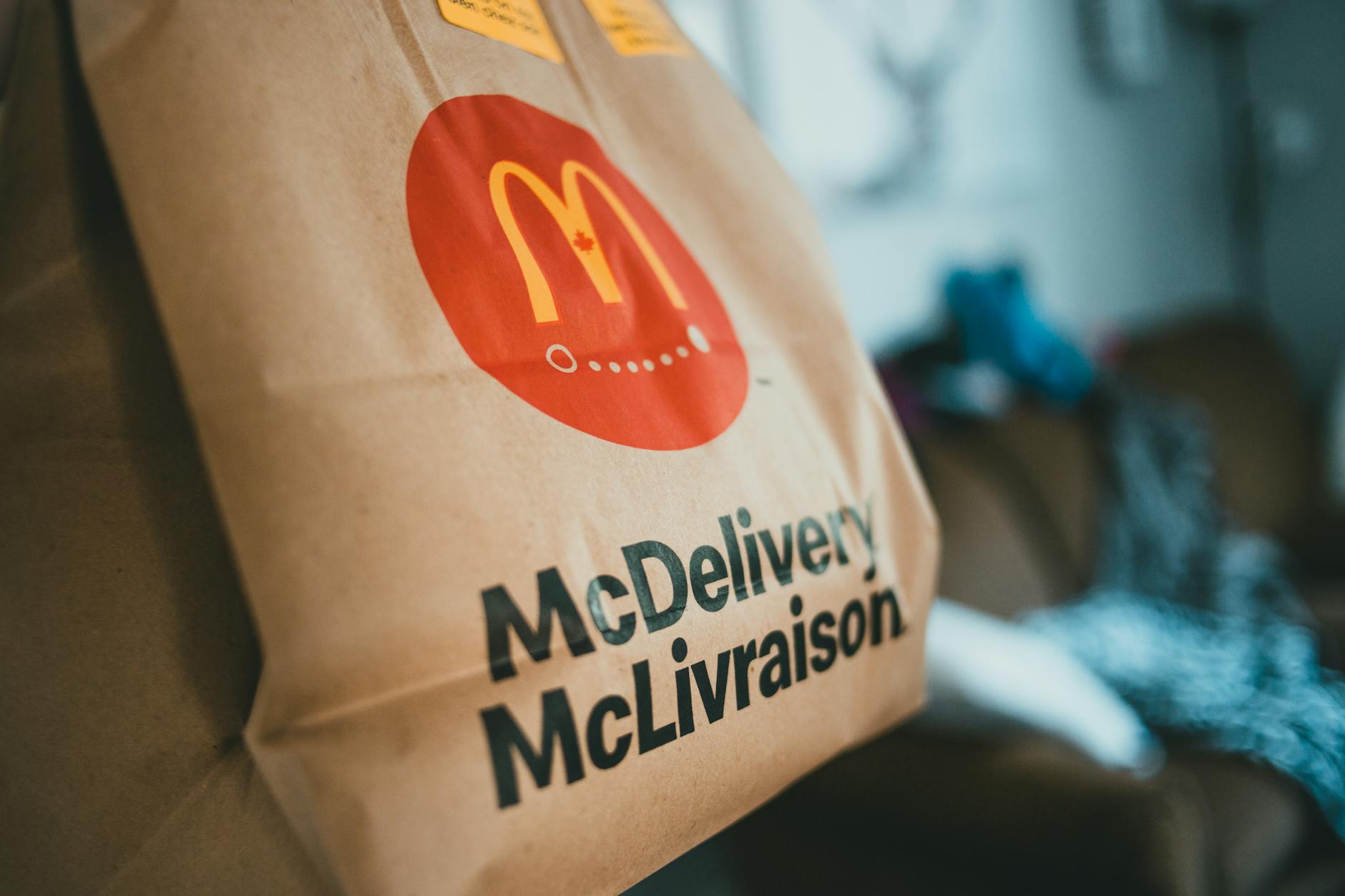
Yes, it is worth adding a QR code for orders to your bag, menu and shop window, because it turns every customer contact into a possible next order. They do not need to remember a phone number, search for a profile or go onto a platform. They scan, see your menu and order more easily.
The important thing is not just to print a QR code. It is to put it in the right place, with the right phrase, the right size and a link that works perfectly on mobile. Below you will see how to set it up practically, without unnecessary costs and without confusing the customer.
1. start with a clear ordering link
Before you print anything, make sure the QR code leads to a page made for ordering, not just to a general homepage. The customer should scan and, within a few seconds, see your menu, prices, options and how to order.
Check the basics:
- Does it open quickly on mobile?
- Are the menu categories clearly visible?
- Are the prices correct and are the products available?
- Does the customer understand whether you offer delivery, collection or both?
- Is the link not too complicated or difficult to type if someone does not scan?
If you want to organise your basic materials properly, you can also see the guide Ordering link & QR for your restaurant, so you have one clear base before moving on to printing.
2. put the QR code on the delivery bag
The bag is one of the strongest places for a QR code, because it reaches the hands of someone who has already bought from you. At that moment, the customer has real experience with your food, not just an advert. If they are happy, you want to make their next order as easy as possible.
You can use a sticker, a stamp or a printed bag. To start with, a sticker is more flexible, because you can test it without a large production run.
Good phrases next to the QR code:
- “Next time, order directly from here”
- “Scan for our menu and orders”
- “Reorder easily from your mobile”
Put the QR code on a flat surface, not too close to folds or handles. Leave a white margin around it and test it on the actual bag before printing it in bulk.
3. use the QR code on the printed menu
The printed menu does not need to work only as a catalogue. It can become a bridge to online ordering. This is especially useful if you hand out leaflets in the neighbourhood, put menus inside the bag or have a menu on the table for takeaway.
The QR code on the menu should have a clear role. Do not hide it in a corner without explanation. Put it somewhere visible, together with a short instruction.
Example layout:
- Top right: QR code.
- Next to it: “Scan to order online”.
- Below: short link for those who do not scan.
- In a visible place: delivery or collection hours.
If you often change prices or products, be careful not to fill the printed menu with information that will quickly become outdated. Keep the printed material more general and let the online menu carry the most up-to-date details.
4. make your shop window work even when you are closed
Your shop window is a display point 24 hours a day. Even when the kitchen is closed, someone may walk past, see your business and want to remember you later. A QR code on the window helps them keep your menu on their mobile.
Place it at eye level or slightly lower, somewhere that is not covered by reflections, posters or tables. If you have an outdoor stand, you can add a second QR code there too.
Useful phrases for the shop window:
- “See the menu and order online”
- “For delivery or collection, scan here”
- “Hungry later? Keep us on your mobile”
Do not forget to clearly mention if you accept orders at specific times. If your system allows opening hours to be displayed and orders to be paused temporarily, make sure they are up to date, so the customer is not disappointed.
5. add QR codes at waiting and collection points
A customer waiting for takeaway has a little time in front of them. This is an ideal moment to show them that next time they can order more neatly in advance. A small card at the till or on the collection counter can do the job.
Places worth testing:
- next to the till, in a small plexiglass holder,
- on the collection counter,
- on waiting tables,
- near the entrance,
- on a small card placed inside the bag.
The message here should be practical: “Next time, order before you arrive and simply collect”. If you have plenty of collection orders, this also helps your operation, because the customer gives the order more clearly, without rushed notes over the phone or misunderstandings at peak times.
6. write copy that says exactly what will happen
Many QR codes fail not because they do not work, but because they do not explain what they offer. “Scan here” is generic. The customer needs a reason. Tell them what they will gain or what they will do after scanning.
Better examples:
- “Scan to see our menu”
- “Scan and place an order for collection”
- “Scan for delivery from our restaurant”
- “Reorder easily without searching for a phone number”
Avoid exaggerated promises. If you do not have a specific offer, do not write “unique discounts” just to attract attention. It is better to be clear and trustworthy.
If you use an online ordering system for your own restaurant, such as Wiiz Eat, make use of your own link and QR code on Instagram, Google, the bag, shop window and printed menu, so the customer can find you everywhere in the same way.
7. pay attention to size, contrast and testing
The QR code must scan easily. This sounds simple, but in practice many QR codes are printed too small, on glossy material or with low contrast. Before you pay for printing, test it in real conditions.
Checklist before printing:
- Scan the QR code from different mobiles.
- Test it from close up and from a little further away.
- Print it at actual size, not only on screen.
- Check whether it can be read in low light.
- Do not put it on a colourful or busy background.
- Leave a clear margin around the square.
For bags and stickers, prefer strong contrast, usually a dark QR code on a light background. For the shop window, check reflections in the morning, at midday and in the evening. A QR code that looks good in the file may not read well on glass.
8. measure practically what works and improve it
You do not need to get into complicated processes to understand whether the QR code helps. Start with simple observation and small changes. Ask new customers how they found you, note which message you use and test different positions by period.
A hypothetical example: for two weeks you put a QR sticker on all bags with the message “Reorder easily from here”. For the next two weeks you test “Scan for delivery or collection”. If you see that one message brings more mentions from customers or more use of the link, keep that one.
Make changes one by one:
- first change the message,
- then the placement,
- then the size or design,
- then the print material.
That way, you will know what actually affected the result. The QR code is not a magic tool; it is a simple, steady route for guiding the customer to your direct order.